How to Create Complete Monetizable YouTube Videos with AI (Voice, Audio & Video Guide 2026)

This software analysis was conducted in our testing lab using active real-world subscriptions, benchmark workloads, and rigorous feature validation. Learn more about our testing standards in our Editorial Methodology and Affiliate Disclosure.
Discover the exact multi-tool stack, voiceover synthesis workflow, visual generation pipeline, and YouTube Partner Program compliance rules to launch a profitable faceless YouTube channel in 2026.
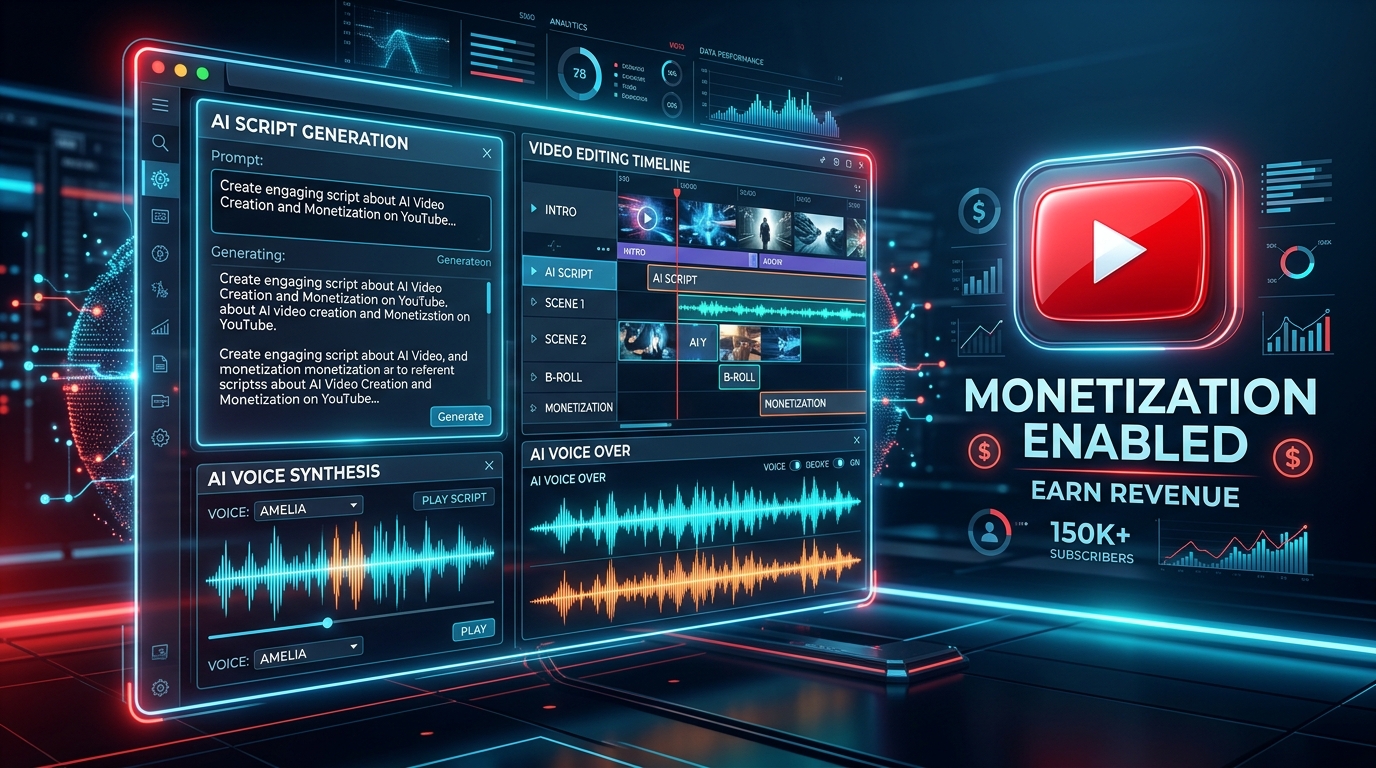
Generative Artificial Intelligence has revolutionized YouTube content creation. Today, creators can produce cinematic, faceless YouTube videos complete with ultra-realistic human voiceovers, custom background scores, dynamic B-roll visual generation, and automated subtitles—in a fraction of the time traditional editing required.
However, monetizing AI-generated YouTube content in 2026 requires more than pushing a single button. YouTube’s Partner Program policies strictly enforce guidelines against reused content, repetitive automated videos, and low-effort synthetic slop. To build a sustainable, monetized channel, you must master the art of AI Tool Stacking—combining specialized AI tools to create high-value, highly engaging video content.
In this definitive guide, we break down the ultimate AI tool ecosystem, explain how to combine them seamlessly, reveal YouTube compliance rules, and provide a plug-and-play practical example you can execute immediately.
1. The Complete AI YouTube Tool Matrix (2026)
Building a top-tier video workflow requires selecting the best tool for each specialized stage of production. Below is the curated list of essential AI tools categorized by their function, along with safety ratings for YouTube monetization:
| Production Stage | Top Recommended AI Tools | Key Output / Deliverable | Monetization Safety | Best Niche / Use Case |
|---|---|---|---|---|
| 1. Script & Concept | ChatGPT (ChatGPT), Claude Flash, Gemini 3.7 | High-hook scripts, pacing, visual cues | 100% Safe | Educational, Documentaries, Tech, Finance |
| 2. Voiceover & Audio | ElevenLabs, PlayHT, Murf.ai | Ultra-realistic conversational voice synthesis | 95% Safe (with emotion tuning) | Narration, Storytelling, Guides, Explainers |
| 3. Visuals & B-Roll | Midjourney v6.1, Runway Gen-3 Alpha, Luma Dream Machine, Leonardo.ai | Cinematic images, 4K video loops, camera pans | 100% Safe | Historical mysteries, Sci-Fi, Crime, Science |
| 4. Music & SFX | Suno AI v4, Udio, ElevenLabs Sound Effects | Original royalty-free tracks, cinematic soundscapes | 100% Safe (Commercial Rights) | Background music, transition accents |
| 5. Video Assembly | CapCut Pro, InVideo AI, Descript, Opus Clip | Timeline sync, animated captions, color grading | 100% Safe | Shorts, Long-form videos, Reels |
2. How to Stack AI Tools: The Step-by-Step Production Pipeline
To avoid YouTube’s automated detection flags for “monotonous or template-generated content”, you must establish a multi-tool assembly pipeline where human oversight guides each AI output. Here is the step-by-step workflow:
+-----------------------------------------------------------------------------------+
|                           AI VIDEO PRODUCTION PIPELINE                            |
|                                                                                   |
|  [STEP 1: SCRIPTING]   ChatGPT / Claude  --> Generate Hook, Script & Prompts |
|                                |                                                  |
|  [STEP 2: VOICEOVER]   ElevenLabs            --> Synthesize Emotion-Rich Audio    |
|                                |                                                  |
|  [STEP 3: VISUALS]     Midjourney + Runway   --> Generate Cinematic B-Roll Shots  |
|                                |                                                  |
|  [STEP 4: AUDIO]       Suno AI + Eleven SFX  --> Create Original Royalty Music    |
|                                |                                                  |
|  [STEP 5: ASSEMBLY]    CapCut Pro / InVideo  --> Sync Voice, Captions, FX & Export|
+-----------------------------------------------------------------------------------+
Phase 1: Concept, Research & High-Hook Scripting
YouTube monetization heavily favors retention. The first 5 seconds of your script determine whether a viewer clicks away. Use AI models like Claude or ChatGPT with precise prompting that specifies audience target, hook structure, storytelling tension, and clear visual direction cues.
Phase 2: Ultra-Realistic Voiceover Synthesis
Monotone robotic voices are the #1 reason monetization applications get rejected under “Reused Content” or “Repetitive Content”. Use ElevenLabs with voice models like Eleven Multilingual v2 or Turbo v2.5. Adjust stability settings (around 40-50%) and clarity (75%) to add subtle breath sounds, vocal inflections, and dramatic pauses.
Phase 3: Generating High-Impact Visuals & B-Roll Clips
Never rely on generic stock footage that thousands of channels re-use. Generate custom 16:9 cinematic images with Midjourney v6.1 or Leonardo.ai, then convert key keyframes into fluid video clips using Runway Gen-3 Alpha or Luma Dream Machine. This ensures 100% original visual assets that pass all copyright scans.
Phase 4: Original Music Score & Audio Sound Design
Standard YouTube Audio Library music is overused. Generate bespoke background scores using Suno AI v4 or Udio by selecting genres tailored to your video tone (e.g., “Cinematic dark ambient orchestral suspense 90 BPM”). Layer subtle sound effects (whooshes, risers, ambient rain) using ElevenLabs Sound Effects.
Phase 5: Timeline Editing, Auto-Captions & Rendering
Import your voiceover, visual clips, and background music into CapCut Pro or Descript. Apply auto-captions with kinetic word highlights (yellow/cyan text on dark backgrounds), set visual cuts every 2.5 to 4 seconds to maintain dopamine engagement, and render in crisp 4K 60fps.
3. Crucial YouTube Monetization Compliance Rules (2026)
YouTube’s Search and Discovery algorithms and human reviewers strictly check channels before approving monetization. Adhere to these golden rules:
- Human Value Addition: YouTube allows AI-assisted content, provided it offers significant commentary, educational value, unique narrative structure, or creative editing.
- Avoid Mass Automated Uploads: Automated bots uploading 20 identical videos a day will trigger immediate channel suspension for spam. Quality always beats quantity.
- Voiceover Diversity: Avoid using default web browser voices or un-edited robotic TTS engines. Use custom cloned or carefully tweaked synthetic voices with natural pacing.
- Synthetic Content Disclosure: Always check YouTube’s “Altered or synthetic content” box in YouTube Studio if your video uses photorealistic AI-generated human faces or realistic events.
4. Practical Example: Create Your First Monetized AI Video (Step-by-Step Blueprint)
To help you take immediate action, here is a complete, ready-to-use practical workflow for creating a 60-second viral YouTube Short / video on the high-RPM topic: “The Untold Secret of Quantum Computing”.
Step 1: Copy-Paste Scripting Prompt for ChatGPT / Claude
Write a high-retention 60-second YouTube script about "Quantum Computing vs Traditional Computers".
Format:
- [0:00 - 0:05] Explosive Hook
- [0:05 - 0:35] Core Explanation (simple analogy)
- [0:35 - 0:50] Dramatic Twist / Future Impact
- [0:50 - 1:00] Call to Action
Include bracketed visual cues [VISUAL CUE] for AI image generation prompts after every sentence.
Step 2: Generated Script Output (Sample)
“What if a single computer could solve a problem in 3 seconds that would take supercomputers 10,000 years? [VISUAL: Glowing quantum computer core floating in deep space dark neon cyber laboratory]
Traditional computers think in bits—zeros and ones, like light switches turning ON or OFF. But Quantum Computers use Qubits. Thanks to quantum superposition, a qubit can be ZERO and ONE at the exact same time. [VISUAL: Holographic sphere spinning in multi-dimensional laser field]
This means while your laptop checks maze paths one by one, a quantum processor explores millions of paths simultaneously! [VISUAL: Futuristic digital maze lighting up with thousands of glowing blue pathways at once]
Subscribe now to stay ahead of the future!”
Step 3: Midjourney / Runway Image Prompts
/imagine prompt: A futuristic quantum computing core with glowing golden wires and blue laser light beams inside an ultra-clean high tech research lab, cinematic lighting, 8k resolution, photorealistic, 16:9 aspect ratio --ar 16:9 --v 6.1/imagine prompt: A glowing holographic sphere representing quantum superposition, floating over a sleek dark glass server room, neon cyan particle waves, dramatic camera angle --ar 16:9 --v 6.1
Step 4: Voiceover Generation in ElevenLabs
Select voice: “Adam – Deep, Conversational & Engaging” or “Rachel – Clear & Articulate”.
Settings: Stability: 45% | Clarity: 75% | Style Exaggeration: 15%.
Download lossless .mp3 / .wav and import directly to video editor.
Step 5: CapCut Pro Assembly
- Drag audio track into CapCut timeline.
- Click Text -> Auto Captions -> Generate. Apply preset “Bold Yellow Highlight” font.
- Place your Midjourney/Runway video clips on the track above the audio. Set transition effects (Zoom In, Flash Dark) at clip changes every 3 seconds.
- Add Suno AI background track at -22dB volume so voiceover remains crystal clear.
- Export in 4K resolution (3840×2160) at 60 FPS.
Frequently Asked Questions (FAQ)
Can you monetize YouTube channels that use AI voices?
Yes, absolutely! YouTube explicitly allows AI voiceovers for monetization, provided the voice sounds high quality and natural, and the overall video offers original educational or entertainment value. Channels using low-quality, monotonous robotic speech may face monetization rejection.
Which YouTube niches have the highest RPM (Revenue Per Mille) for AI channels?
The highest RPM niches in 2026 are Finance & Investing ($15 – $40 RPM), Artificial Intelligence & Tech ($10 – $25 RPM), Business & Entrepreneurship ($12 – $30 RPM), and Luxury & Real Estate ($8 – $18 RPM).
How do I prevent copyright claims on AI-generated background music?
Always use AI music tools that grant full commercial monetization rights upon output (such as Suno AI Pro/Premier or Udio Standard/Pro), or download audio directly from the official YouTube Audio Library inside YouTube Studio.
Have thoughts on How to Create Complete Monetizable YouTube Videos with AI (Voice, Audio & Video Guide 2026)?
Share your experiences, ask questions, or discuss prompt strategies with fellow creators in our AI Community Forum.